Checkout App
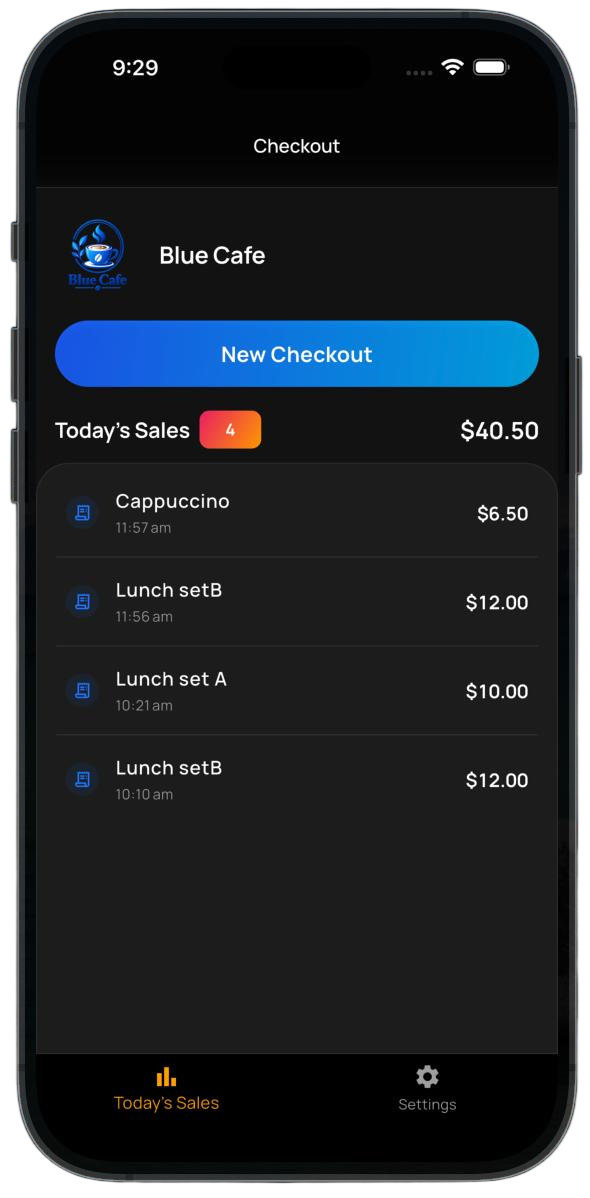
Accept payments wherever you do business.


Accept digital payments in person or online. Create secure payment sessions and receive directly to your wallet.
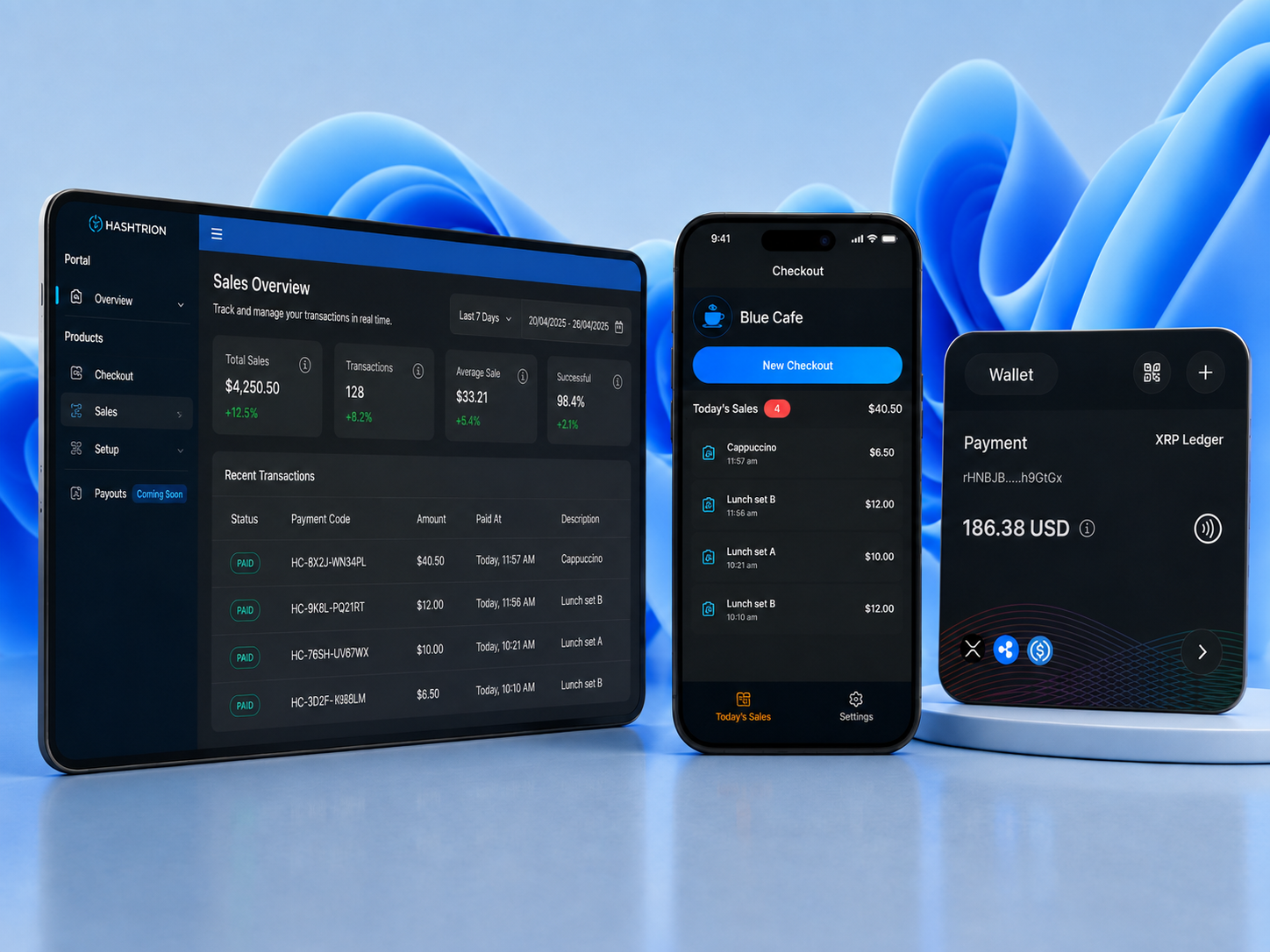
A simple way to accept digital payments, get paid to your wallet, and keep everything in one place.
Let customers pay easily in person or online.
Receive supported digital assets directly to your wallet.
See payment status and history in one place.
Enter the amount in the Checkout App.
Your customer scans the QR code or taps the payment stand.
Receive the payment in your wallet and see its status.
Accept payments wherever you do business.
Scan a QR code or tap to pay with Hashtrion Wallet.
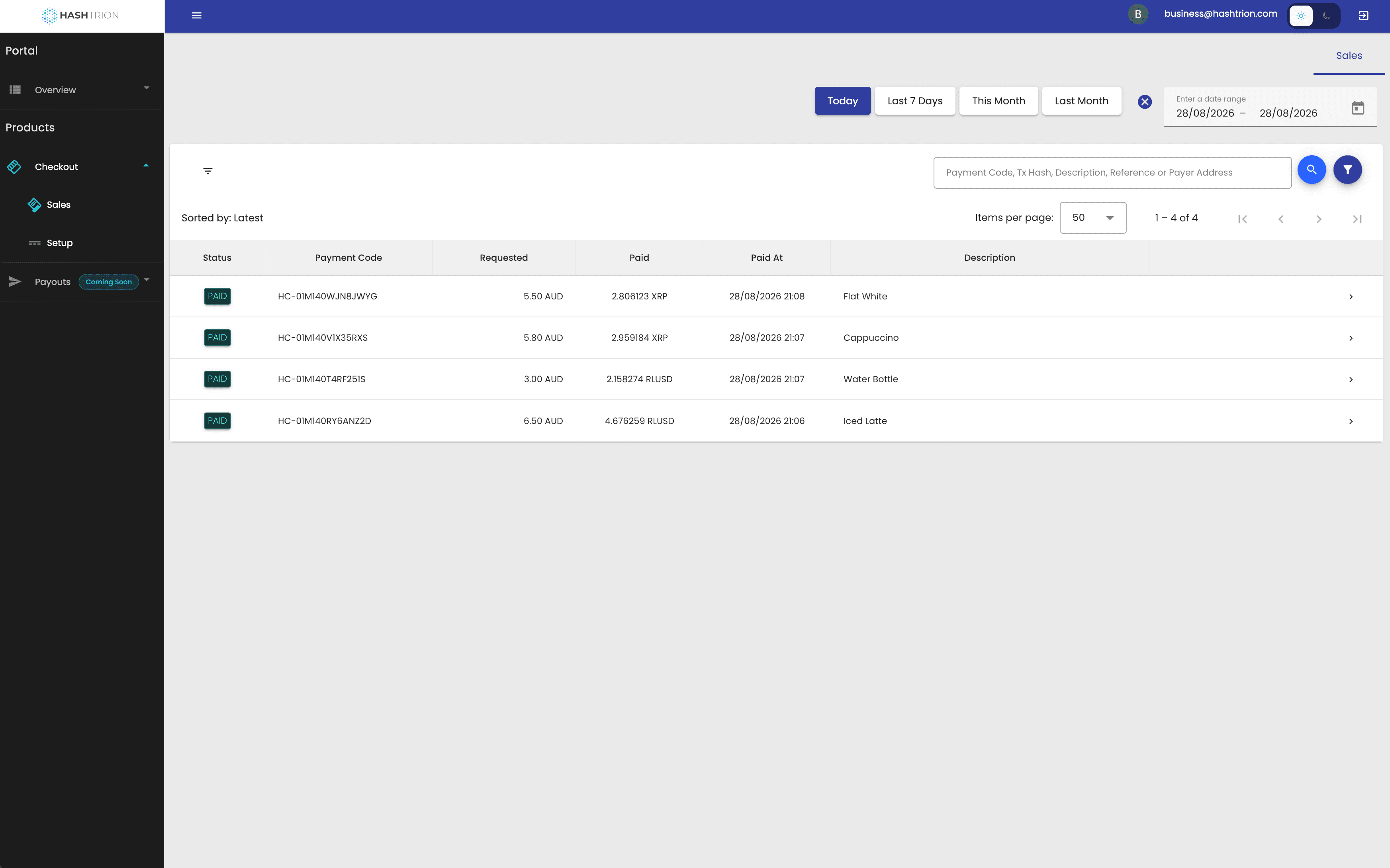
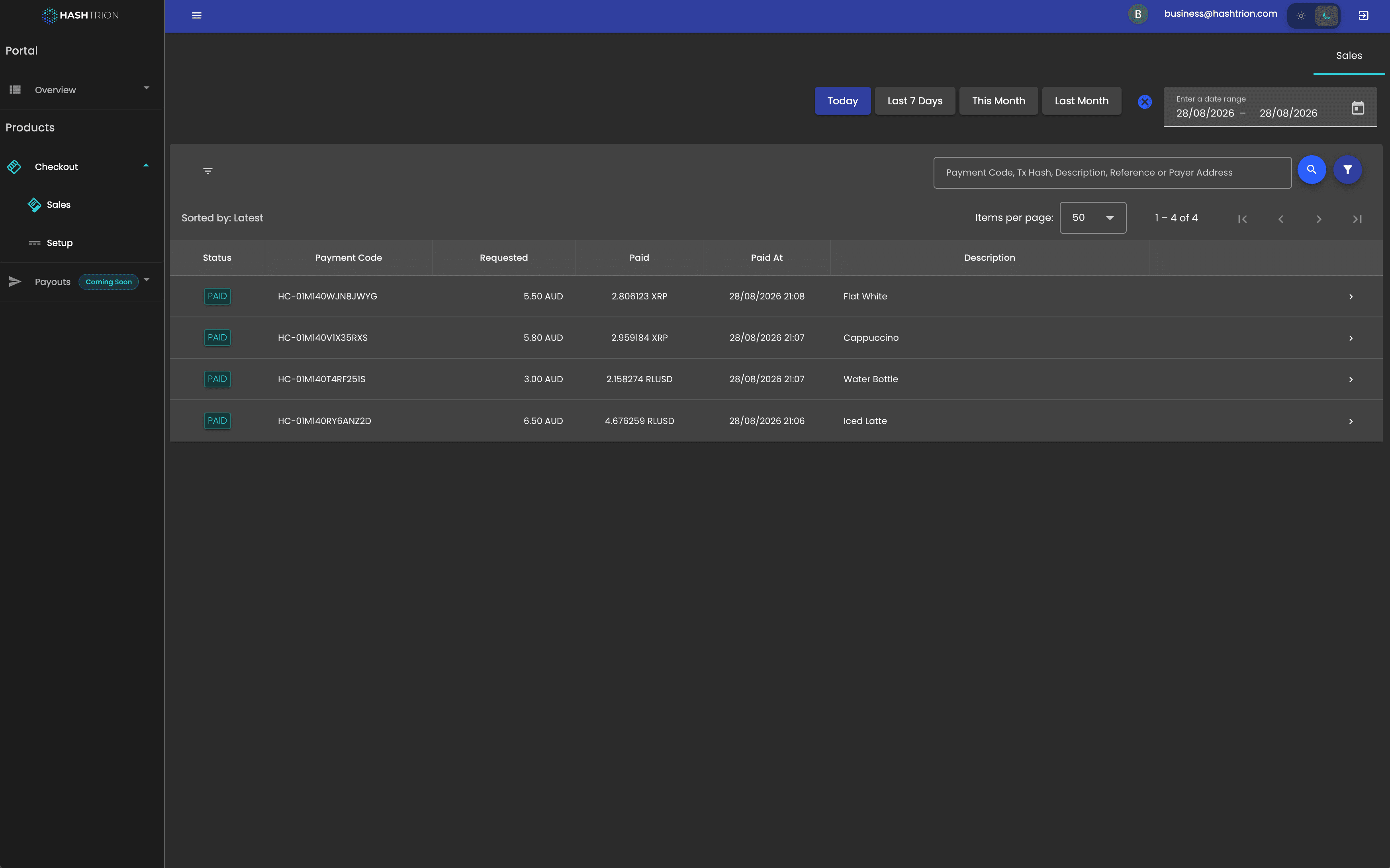
See your payments and manage your Checkout in one place
See how customers pay by scanning or tapping.
Take payments wherever you meet customers.
Get paid for jobs, bookings and appointments.
Add digital payments to a product people already use.
Hashtrion Checkout currently supports XRP on the XRP Ledger and XLM on Stellar as native payment assets. Both networks are designed for fast settlement and low transaction costs, making them well suited for everyday payments.
For stablecoin payments, Checkout currently supports RLUSD and USDC on supported networks, giving businesses the option to receive digital assets with more stable value characteristics.
We are expanding asset support gradually, with a focus on well-established and highly regulated stablecoins that meet the reliability and compliance standards we expect for payment use.
You stay in control of your wallet, and every payment goes through multiple checks — from your approval to transaction verification — before it is confirmed.
Yes. Businesses can choose which supported assets they want to accept. Only the assets enabled for that business are available to customers during checkout.
Set up Checkout in a few steps.
Continue with your Google or Apple account.
Add your business information.
Choose where you want to receive payments.
Connect the Checkout App to your business.
Take your first customer payment.
Hashtrion Pty Ltd · ABN 63 679 255 120
Copyright © 2026 Hashtrion. All rights reserved.